Introduction
The fashion designer’s toolkit has expanded dramatically in the past decade. Where once a pencil, paper, and sewing machine were sufficient, today’s professional designers are expected to be fluent in a range of digital tools — from vector software for technical flats to 3D simulation platforms that can virtually fit a garment on a digital avatar before a single stitch is made.
This guide reviews every major fashion design software category, with honest assessments of the leading tools, who they’re best for, and what they cost.
Category 1: Technical Flat Drawing Software
Technical flats — also called “cads” — are the detailed, line-drawn specifications of garments used in production. They must be clean, accurate, and to scale.
Adobe Illustrator (Industry Standard)
Cost: $20.99/month (part of Adobe Creative Cloud)
Best for: All professional fashion designers
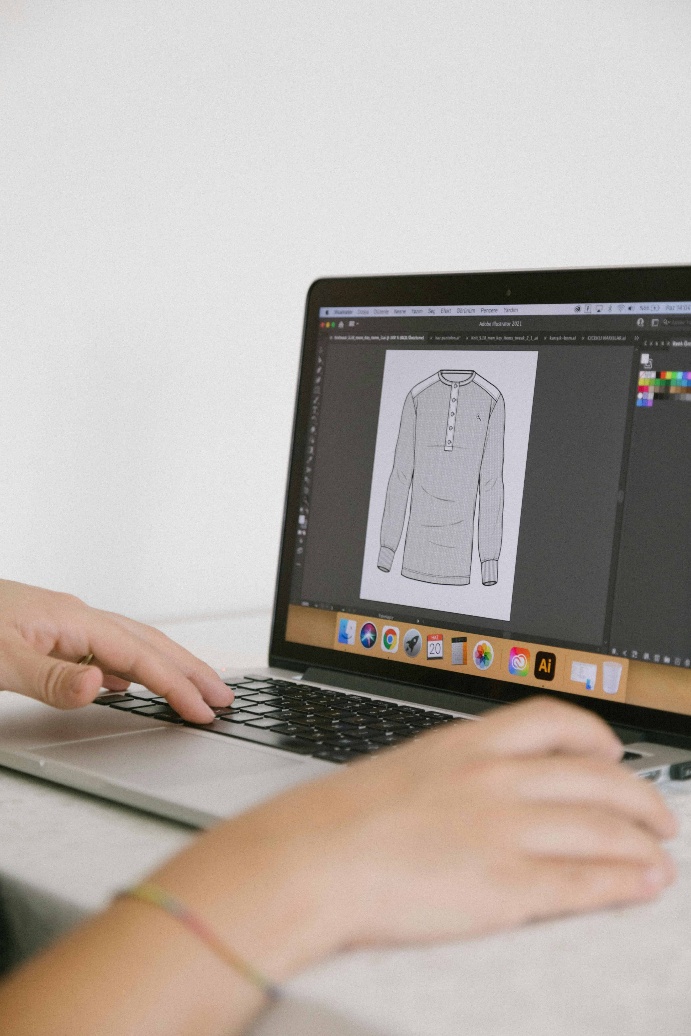
Adobe Illustrator is the undisputed industry standard for fashion technical flats. Its vector-based drawing tools create infinitely scalable, precisely drawn garments. Most fashion brands expect designers to be proficient in Illustrator.
Key advantages: Industry universal, massive resource library of fashion brushes and templates, integrates with Photoshop for presentations.
Learning curve: Moderate. Expect 3–6 months to reach proficiency.
CorelDRAW
Cost: $249/year
Best for: Designers who want an Illustrator alternative
Similar vector drawing capabilities to Illustrator, with some users finding its interface more intuitive. Less common in industry settings but fully capable.
Adobe Illustrator technical fashion flat sketch on computer screen
Category 2: Fashion Illustration and Rendering Software
Procreate (iPad)
Cost: $12.99 one-time
Best for: Fashion illustrators; designers who sketch digitally
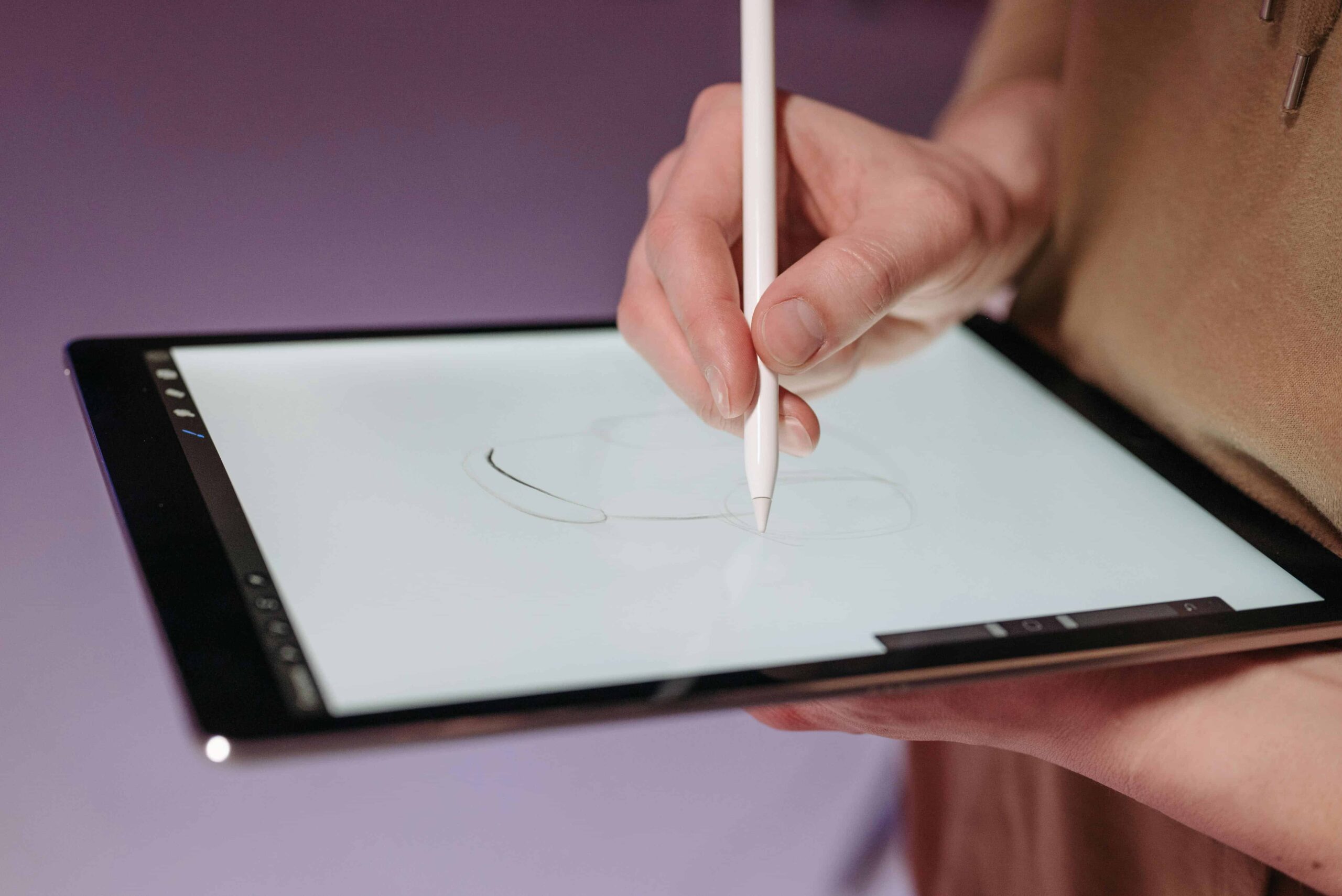
The most popular digital illustration tool for fashion designers. The natural drawing feel with Apple Pencil closely mimics traditional media. Thousands of fashion-specific brushes available for download. Used by professional fashion illustrators and designers globally.
Adobe Fresco
Cost: Free / $9.99 per month for premium
Best for: Designers already in the Adobe ecosystem
Excellent brush library including live oil and watercolor brushes that create organic, painterly fashion illustrations. Integrates directly with Photoshop.
SketchBook Pro
Cost: Free (Autodesk)
Best for: Beginners; fashion students on a budget
A surprisingly powerful free illustration tool. Clean interface, good brush selection. A solid starting point before investing in Procreate or Fresco.
Category 3: 3D Garment Design Software
3D fashion design is the most significant technology shift in fashion in a generation. These tools allow designers to visualize, fit, and adjust garments on digital avatars — dramatically reducing sample costs and lead times.
CLO 3D
Cost: $50–$75/month (professional) / $22/month (student)
Best for: Professional designers and brands; fashion technology students
CLO 3D is the leading 3D fashion design platform. Import 2D patterns, assign fabrics from an extensive material library, and see garments simulate realistically on a digital avatar. The physics-based simulation shows exactly how fabric will drape, fold, and fit.
Used by brands including Calvin Klein, Tommy Hilfiger, Adidas, and hundreds of others. Increasingly essential for senior design roles.
Learning curve: Steep. Expect 6–12 months to reach production-level proficiency.
Browzwear
Cost: Enterprise pricing (contact for quote)
Best for: Large fashion brands and manufacturers
Browzwear (and its product VStitcher) is CLO 3D’s main competitor. Comparable 3D simulation capabilities, widely used in production environments and supply chains. Less accessible for independent designers due to pricing.
Marvelous Designer
Cost: $50/month
Best for: Costume designers, game and film industry, creative experimentation
Originally built for the game/film industry’s costume design needs, Marvelous Designer shares the same underlying engine as CLO 3D (they share founders) but has a different interface and community. Excellent for creative/sculptural garment exploration.
Category 4: Pattern Making Software (CAD)
Lectra Modaris
Cost: Enterprise licensing
Best for: Large manufacturers and production houses
The industry-standard pattern making CAD system used by major fashion brands and manufacturers worldwide. Powerful grading and marker-making capabilities. Primarily used in production contexts, not design studios.
Gerber AccuMark
Cost: Enterprise licensing
Best for: Large manufacturers
Gerber’s pattern CAD system is Lectra’s main competitor. Equally powerful for production-scale pattern work.
Wild Ginger Cameo / Pattern Master
Cost: $150–$300
Best for: Small designers and indie brands
More accessible pattern CAD software designed for small-scale designers. Can draft patterns from measurements and create graded size sets without enterprise-level investment.
Seamly2D (Free)
Cost: Free and open-source
Best for: Budget-conscious designers, students
An open-source pattern making application with a genuine community of fashion designers. Not at production software level but impressive for a free tool.

3D virtual garment visualization on screen showing digital fashion design
Category 5: Fashion Presentation and Mood Board Tools
Canva
Cost: Free / $12.99 per month (Pro)
Best for: Presentation boards, line sheets, lookbooks
Not a design tool per se, but essential for creating professional-looking fashion presentations. Excellent for line sheets, lookbooks, mood boards, and social media content.
PowerPoint / Keynote
Cost: Included with Microsoft/Apple
Best for: Collection presentations
Fashion presentations to buyers and press are often delivered as PowerPoint or Keynote decks. Basic but universal.
Adobe InDesign
Cost: $20.99/month
Best for: Professional lookbooks, editorial layouts, line sheets
The professional standard for editorial layout. Lookbooks and detailed line sheets benefit from InDesign’s precise typography and layout control.
Category 6: AI Fashion Design Tools (New in 2025)
AI has entered fashion design with tools that generate design concepts, predict trends, and assist with creative ideation.
Midjourney / DALL-E / Stable Diffusion
Text-to-image AI tools are increasingly used by designers for mood board creation, concept visualization, and design inspiration. Not production tools but powerful for ideation.
Cala
An all-in-one fashion business platform that uses AI to assist with design, sourcing, and production management. Built for emerging brands.
Refabric
An AI-powered fashion design tool specifically built for the industry. Generates design variations, colorways, and prints from text prompts.
Recommended Software Stack by Designer Stage
Fashion Student
- Procreate (illustration and sketching)
- Adobe Illustrator (technical flats — learn this first!)
- Canva (presentations)
- Seamly2D (pattern making — free option)
Independent/Emerging Designer
- Adobe Creative Cloud: Illustrator + Photoshop + InDesign
- CLO 3D (3D design — student pricing if eligible)
- Canva Pro (presentations and social)
Professional Designer / Brand
- Adobe Creative Cloud (full suite)
- CLO 3D or Browzwear
- Gerber AccuMark or Lectra Modaris (pattern CAD)
- PLM software (product lifecycle management)
Continue Reading on Fashionnovation.com:
- The Ultimate Guide to Fashion Sketching for Beginners
- Types of Fabric: The Fashion Designer’s Complete Reference Guide
- Pattern Making 101: A Complete Beginner’s Guide to Pattern Making in Fashion
- Color Theory in Fashion — fashionnovation.com/color-theory-in-fashion
You can write to us at fashionnovationfd@gmail.com
We read and publish your articles!
0 Comments